
About
This is a Python Script I wrote to increase my productivity & workflow. We have a set of high volumes orders where they are all consistent in terms of order structure and option requests.
DemoCode
Main Project Points
Download Phase
- Gathers Emails
- Reads the HTML form within the Email
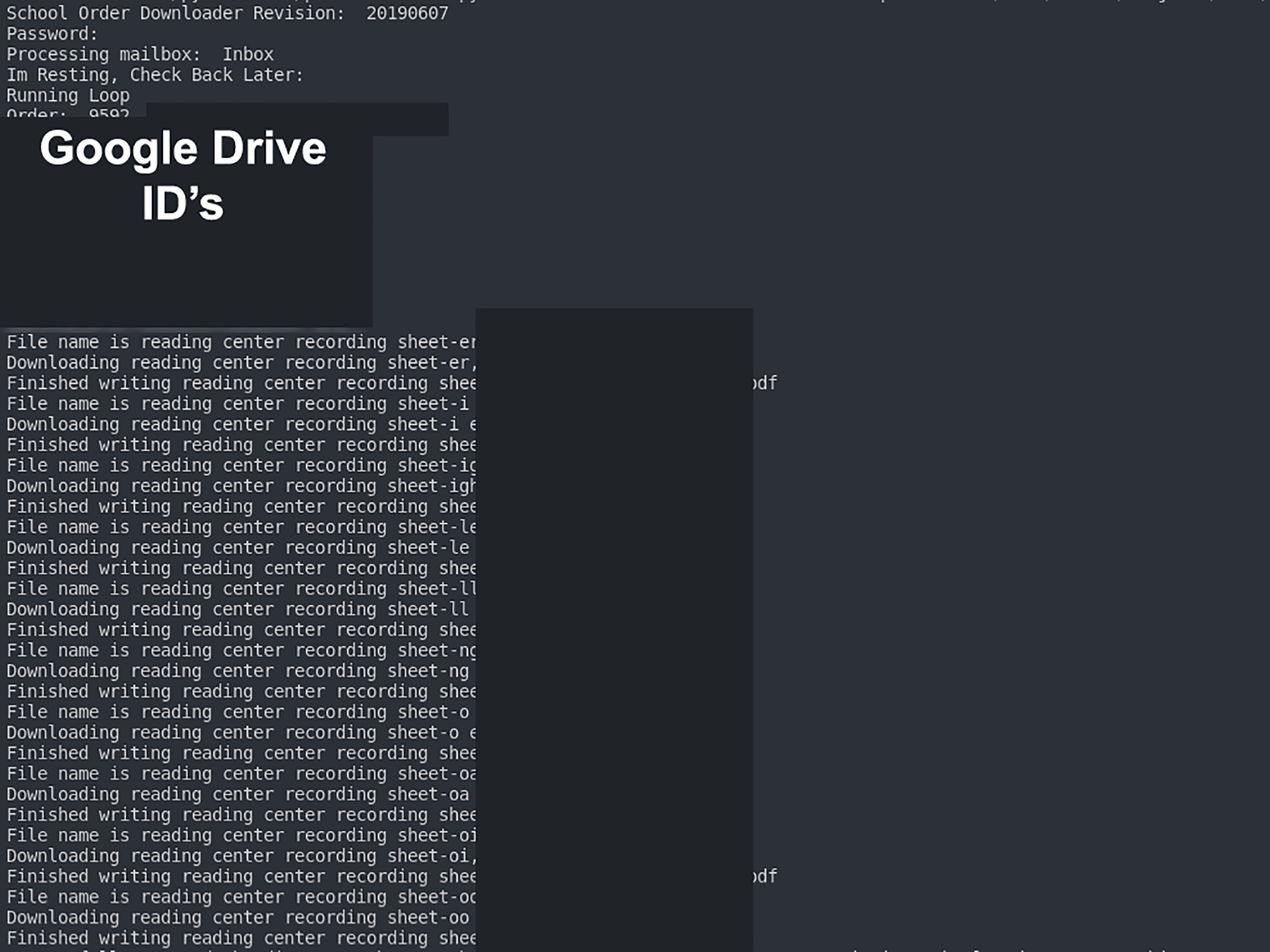
- Identifies the Google Drive Links
- Downloads the Google Drive Files
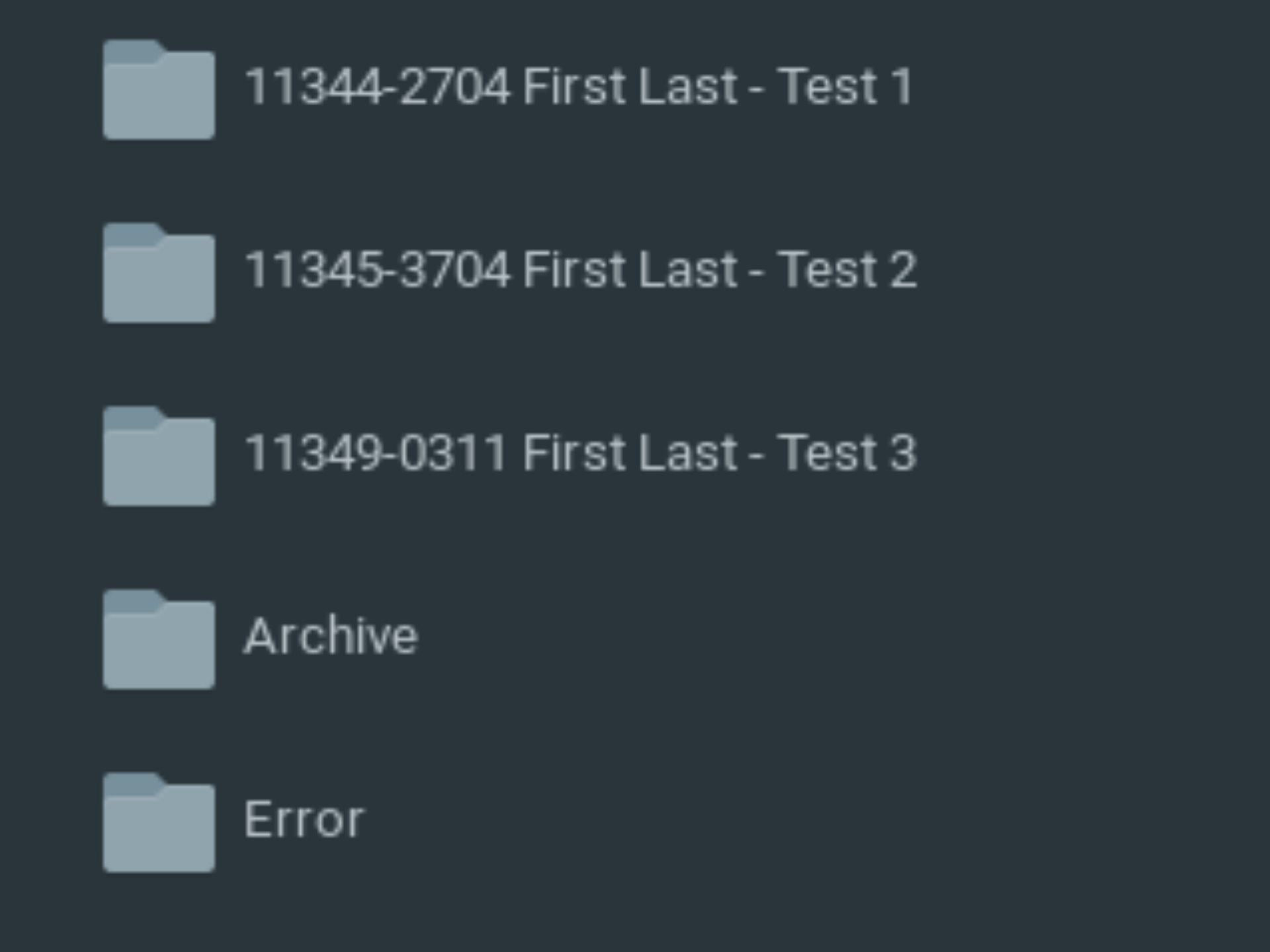
- Groups Everything by Order Number
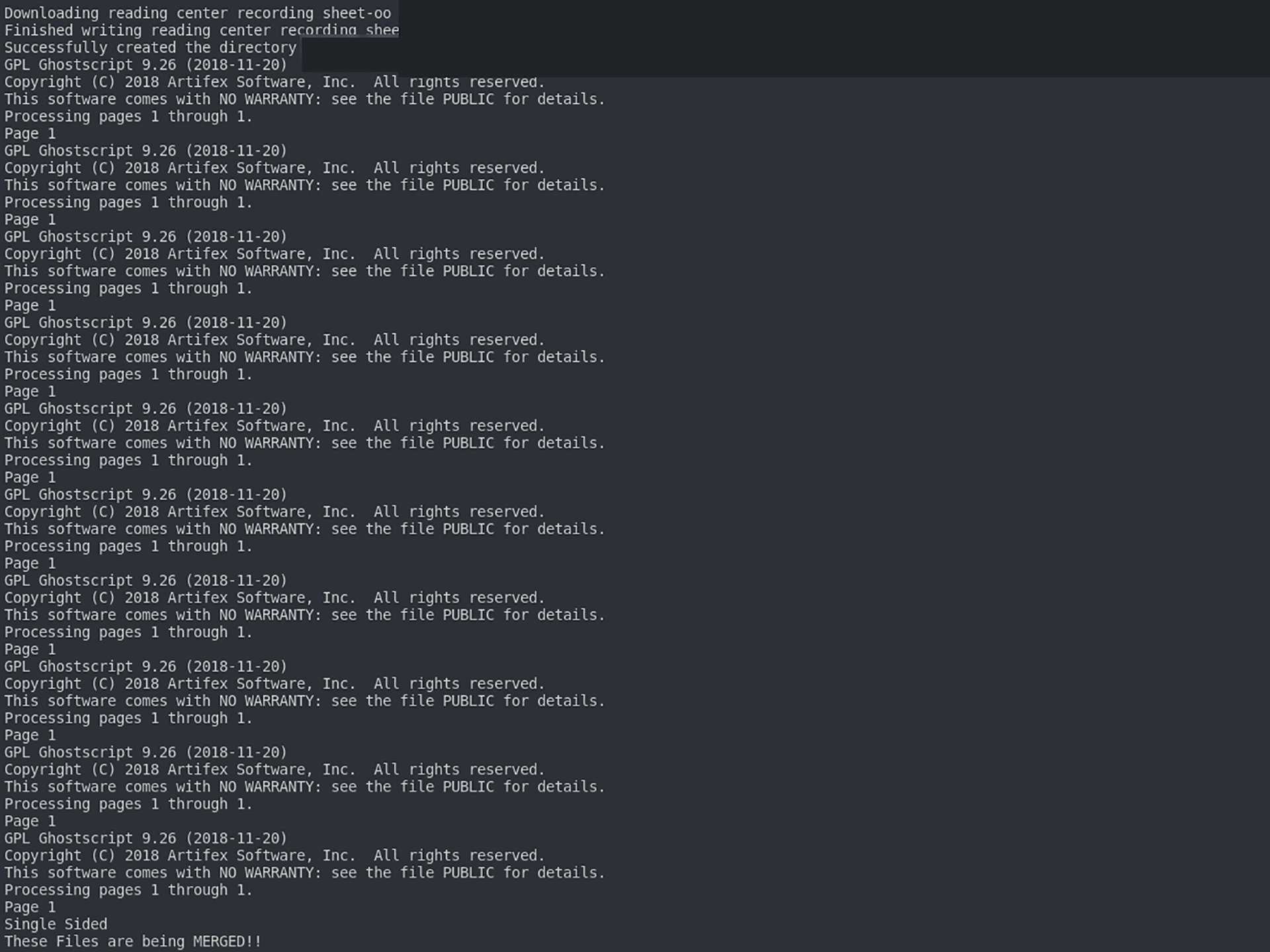
- Converts Files to Postscript
- Creates JSON file with Job Specifications
- Merges Postscript files if needed
- Create printable versions of the Email /w Page Counts
Printing Phase
- Supports Bulk Printing via Order Numbers
- Picks the Settings for the Printer for you
- Manual Insertion of Set Count if unable to determine
- Custom Banner Sheet's with Job Specs's, Files, & Page Counts
- Job Error Checking
- Injection of Printer Job Language (PJL) commands into postscript files
- Printer Load Balancing
- Printing Emails Out for Billing
Demonstration
This python script is currently being used in production.
Click on an Image to Expand it
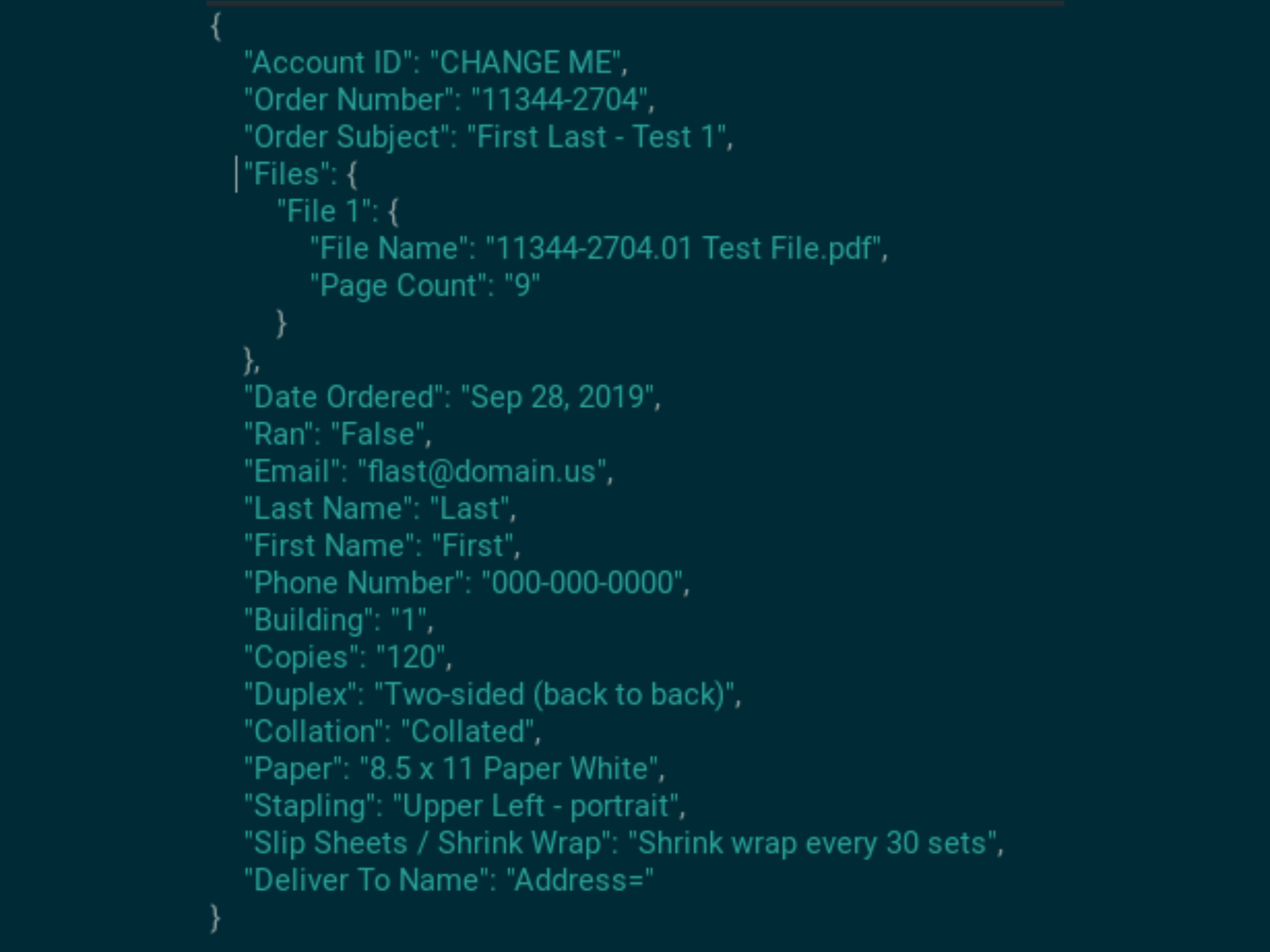
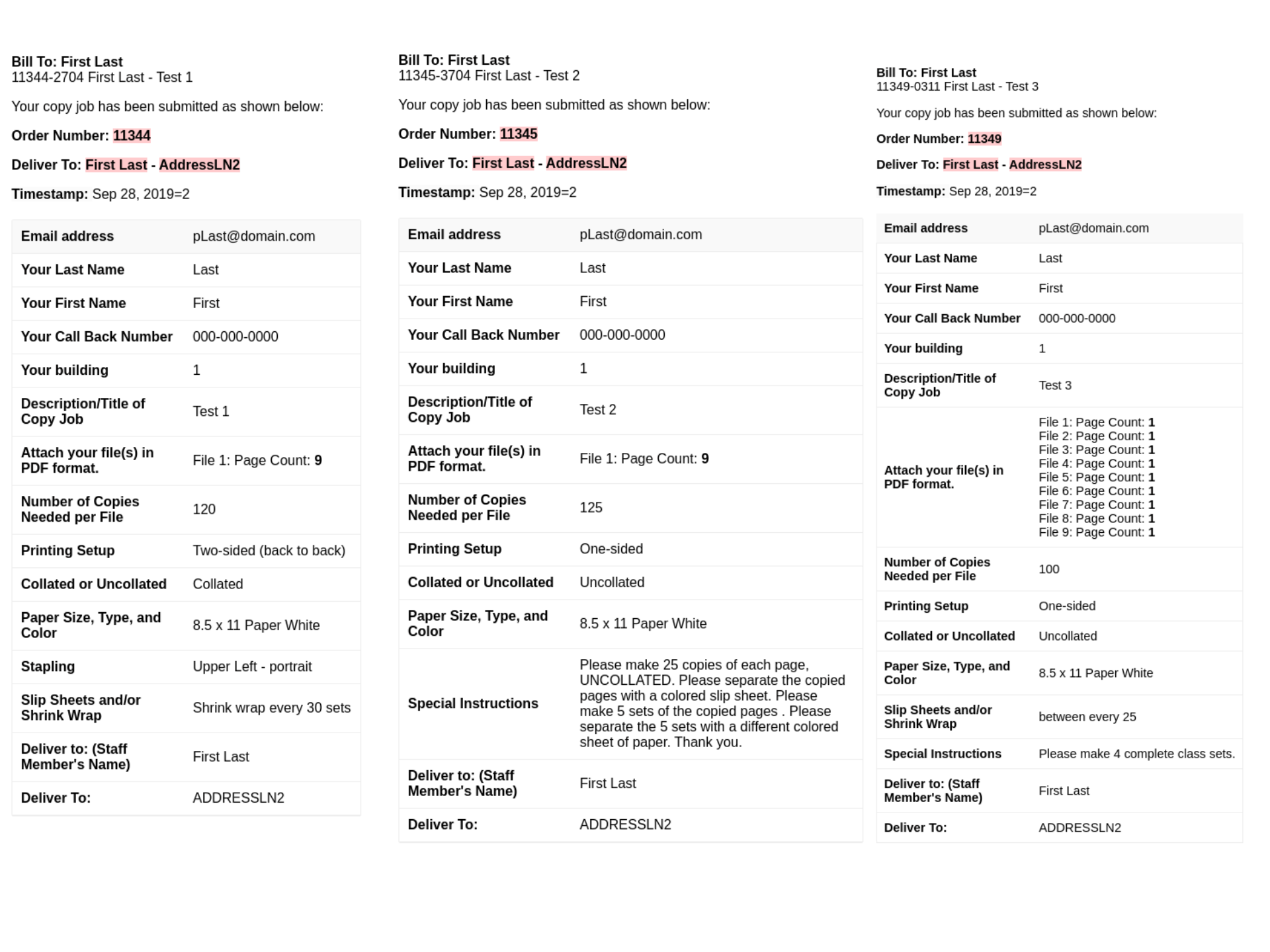
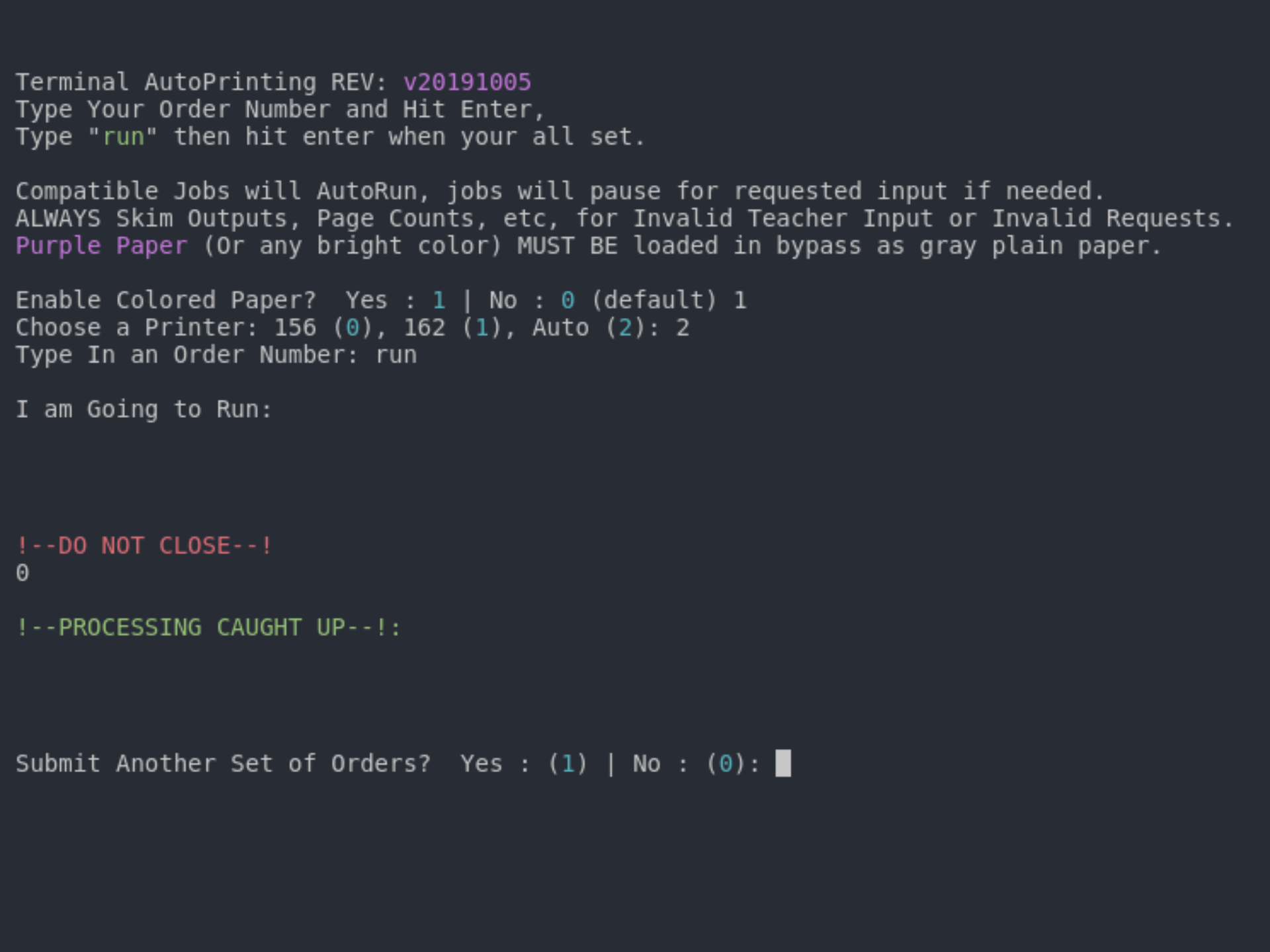
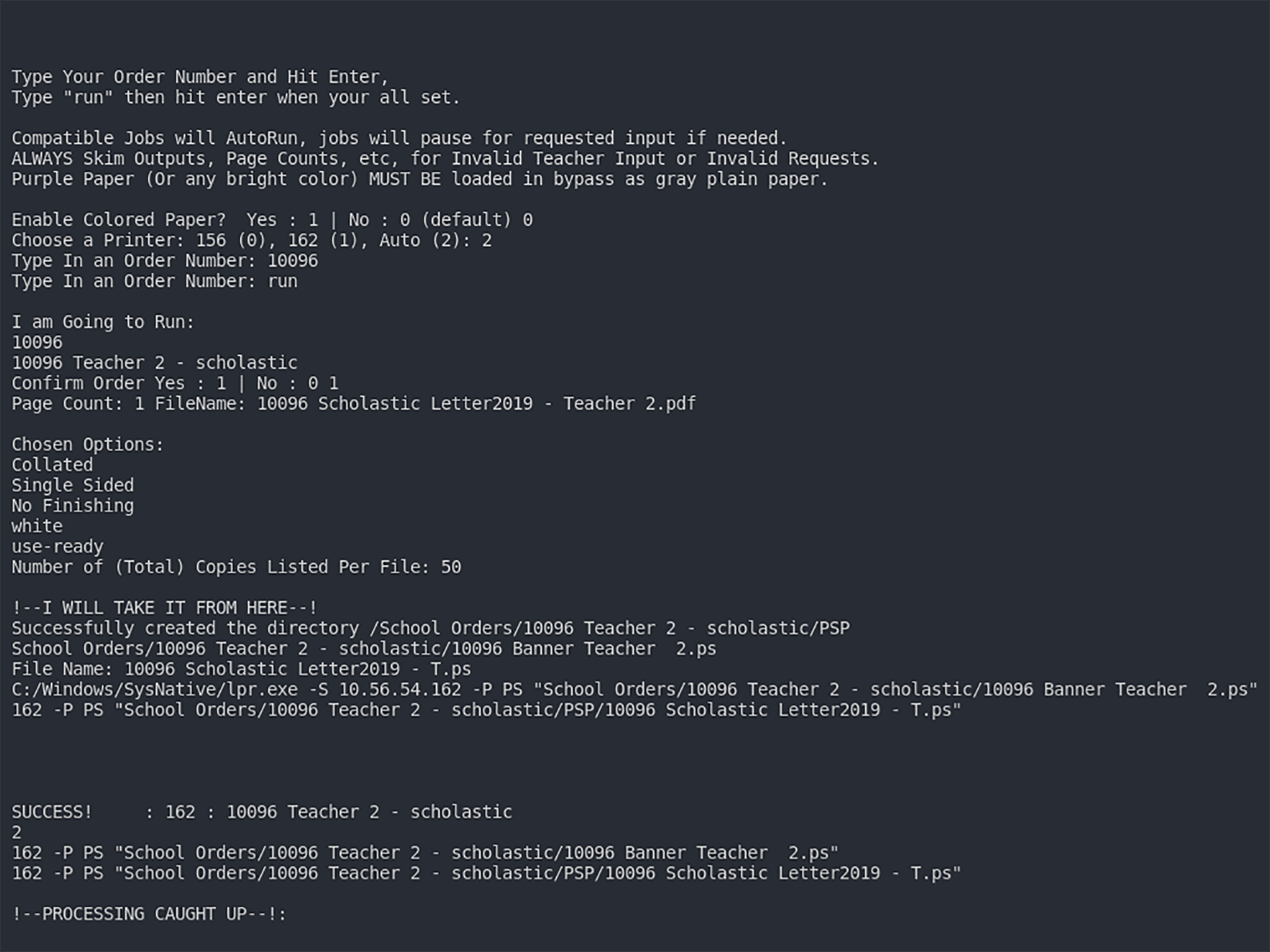
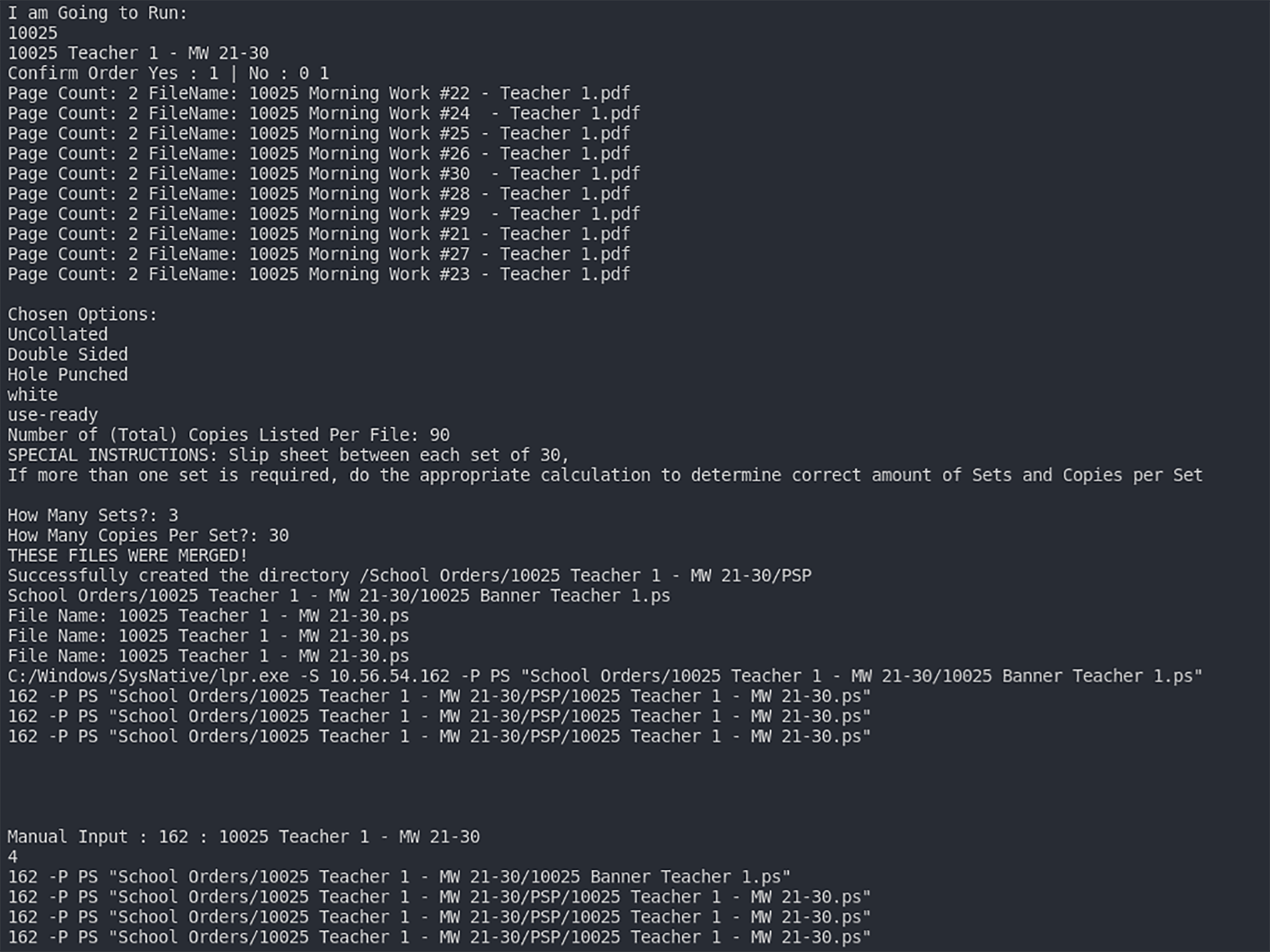

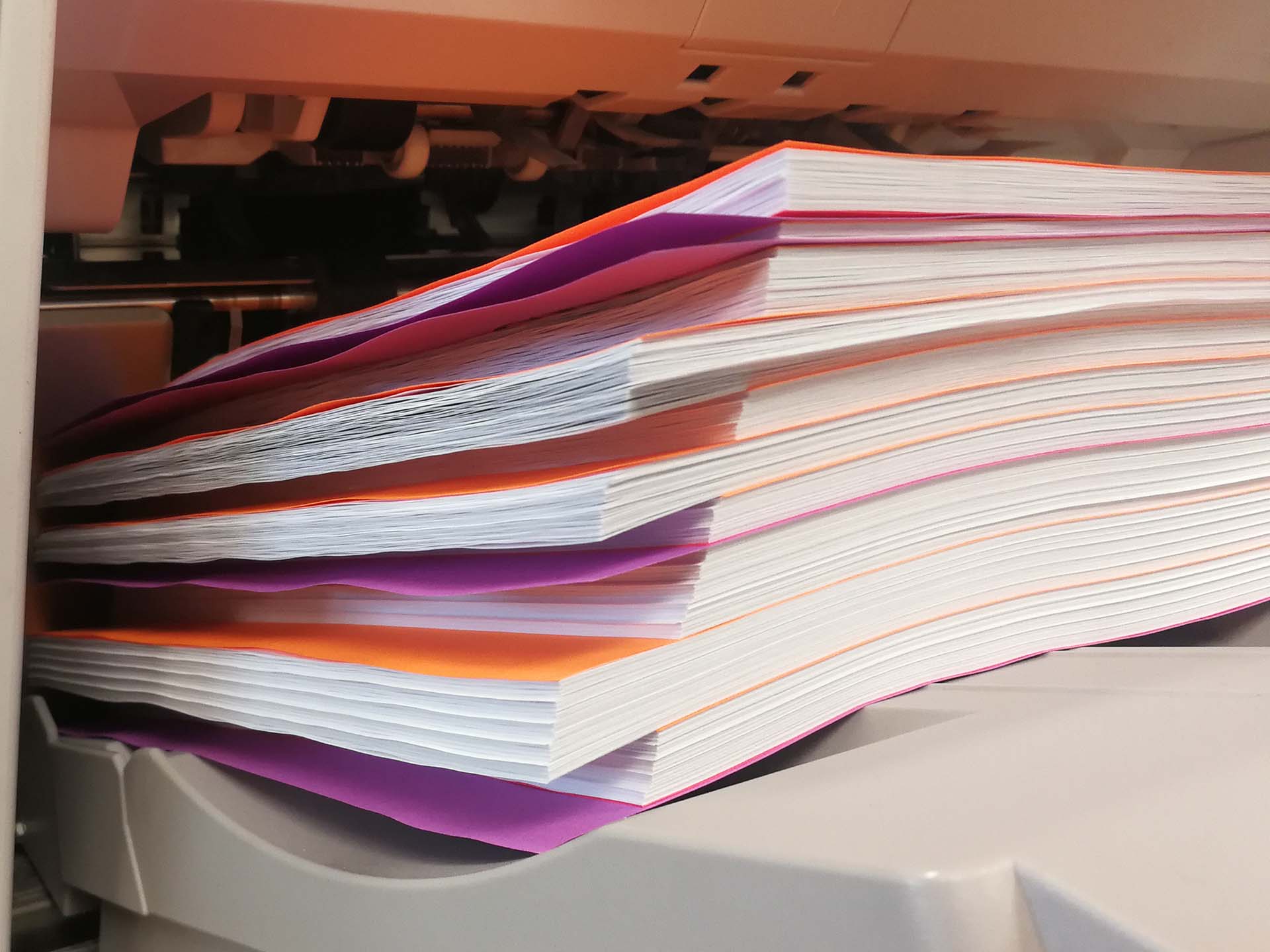
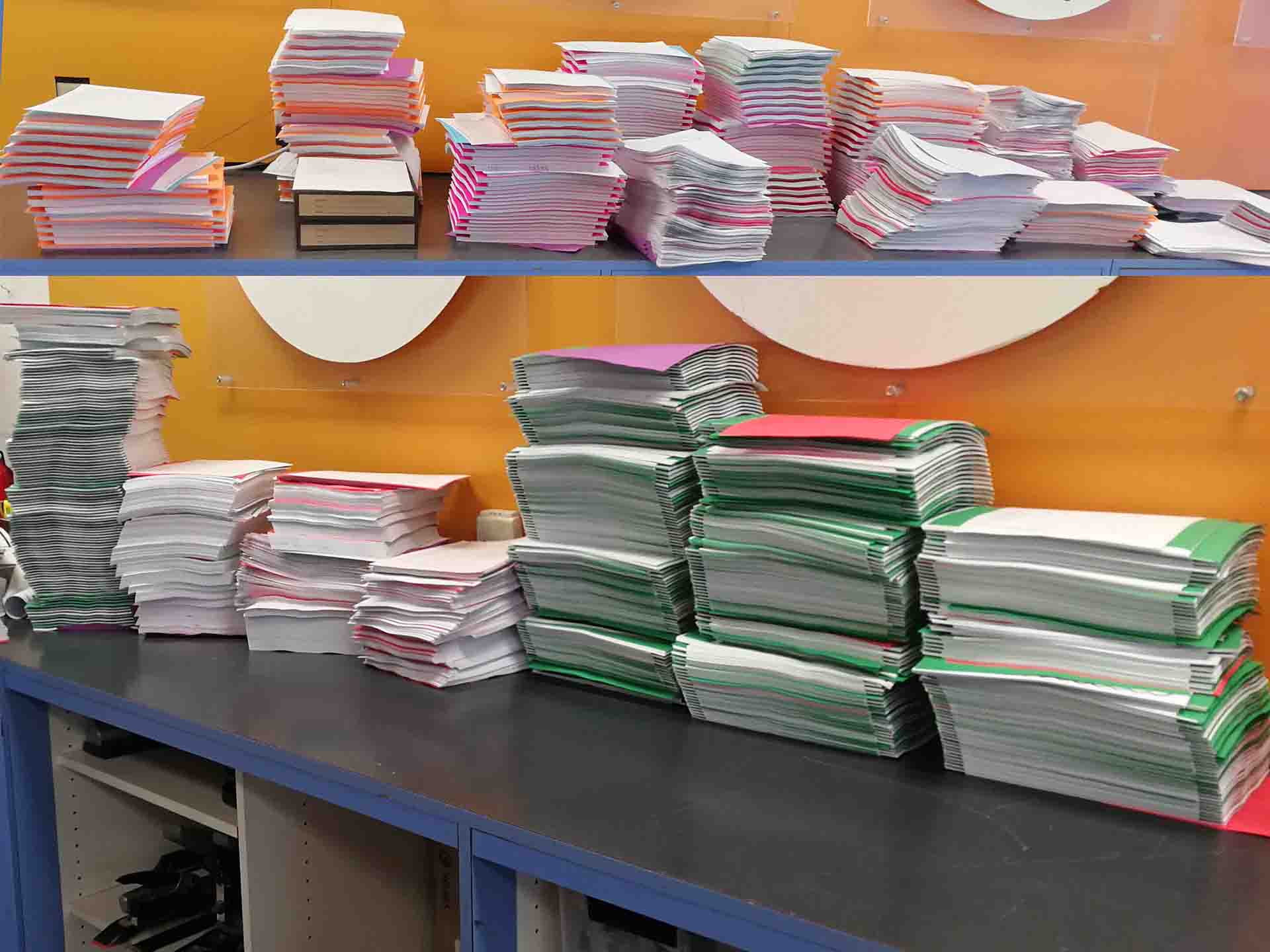
CPD Auto Print v20191212
The video shows the process & workflow using the script.
Email Order Downloader v20200301
The video shows the process & workflow using the script.
EmailPrint Order Ticket Generator v20200301
The video shows the process & workflow using the script.
Order Printer v20200301
The video shows the process & workflow using the script.
Timeline / Process
-
Phase 1: Research & Discovery (2017 – March 2019)
Before any code was written, there was a significant period of research into professional printing hardware, software workflows, and automation feasibility.
- Feb 2017: Early research into Xerox printer supplies and carbonless paper.
- Oct 2017: Investigation of Xerox FreeFlow MakeReady workflow software.
- Dec 2017: Research into Xerox Nuvera production printers.
-
Aug 2018: Deep dive into
EFI Fiery Command WorkStation, a key
component for managing professional print jobs.
Googling how to send files to the printers via command line, ideally natively. In Windows/Linux, using the LPR/LP command was the way to go.
-
Dec 2018:
-
Batch Printing Software: Evaluated
Print Conductor as a potential
off-the-shelf solution for batch printing multiple
PDFs.
My first plan was to use pre-existing software to automate my workflow Acrobat Pro and Print Conductor were tools I was able to find, and while they do provide a level of automation, I was looking for more.
- Xerox Ecosystem: Extensive research into Xerox FreeFlow Print Server and Remote Print Server installation and configuration.
-
Batch Printing Software: Evaluated
Print Conductor as a potential
off-the-shelf solution for batch printing multiple
PDFs.
-
Feb 2019:
- Large Format Printing: Detailed investigation of HP DesignJet Z5600 PostScript printers, including manuals, parts, and ink cost estimation.
- Database: Early research into MySQL table creation, hinting at data management requirements.
-
Mar 2019:
- Fleet Management: Research into Xerox CentreWare Web for managing printer fleets.
-
Initial Automation Attempts:
Searches for PHP shell_exec and
execution handling suggest an initial attempt to
build the automation logic using PHP before settling
on Python.
I started developing a website to send the printer commands, it was running on linux, and it worked, however the commands available were limited, and all other required software for that box were running Windows. Also ran into other network issues outside my control, which defeated the purpose of having it being web based. The logic was taken and converted to python, and then further expanded upon.
-
PostScript & GhostScript: Continued
research into PostScript handling,
which would become the core of the printing engine.
Initially I went through the Printer and Postscript documentations to find out what commands needed to be added to files to send to the printer. Wether it be for PDF or PS, I eventually ended up converting everything to PS using GhostScript. After talking to one of our support staff he recommended Print to File, and after researching it, that seemed to be the best method to see what file the printer driver generates for the printer. So I did that for all the possible configs we needed to figure out what commands and values accomplished what. Some values seemed to have arbitrary values while others had patterns to save on how many I had to do. The commands get modified and inserted the front of each file before being send to the printer.
-
Phase 2: Inception & Core Development (April 2019 – June 2019)
The code repository was initialized, and the fundamental features were built rapidly.
-
Apr 1, 2019:
Initial Commit. The project officially
starts in git.
After doing some research with different languages, their available libraries, & which languages I was most comfortable in. I settled on using Python as the language for my program/script.
Im also using these libraries:
- PdfFileReader from PyPDF2 for page counts
- glob for getting the list of files & folders
-
Apr 2019: Implementation of JSON data
handling and basic styling.
Started using JSON to store the Job Specifications to make it easier to quickly access the specifications either later in the script or from the desktop.
-
May 2019:
-
PostScript Integration: Added
ability to generate and print PostScript files
directly.
GhostScript is used to convert the pdf files into postscript files so the printer specific commands can be injected before sending them to the printer.
All of the Jobs are sorted into folders in the format Order Number + Subject Line. The Order Number is referenced from within the body of the email, and the Subject Line takes the first 45 valid characters (due to windows file path limitations).
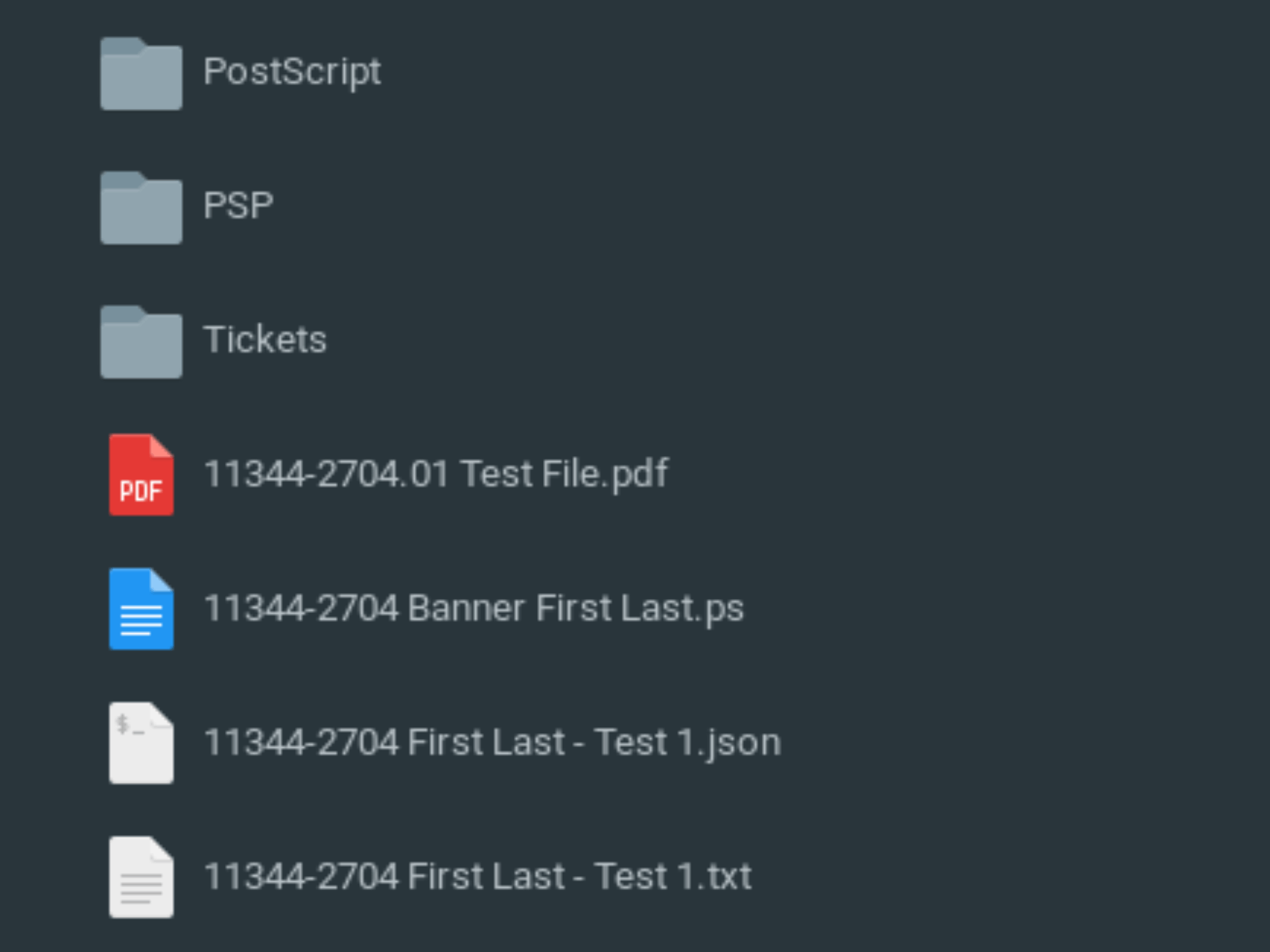
All the folders contain:
- The Email in a text file
- A JSON parameter file (Parsed from Email)
- All the PDF's for the job
- A Folder with all the pdfs converted to Postscript.
In addition, as needed their is a merged file of all the files if the job needs it. During the printing process, a Banner Sheet file is created, and another folder is created with print ready postscript files,
In the root, there is also a folder with the default PJL (Printer Job Language) parameters for our Xerox D110. These get added to all the postscript files & the parameters are modified based on the job specifications.
-
AutoPrint: Automated printing
features introduced.
Windows LPR Command Line Printing is what sends the postscript file to the desired Printer.
AutoRun Support: Run a range of order numbers in bulk, or at the time of being received and downloaded. Compatible jobs will auto run, for the incompatible ones, the tickets will print to a different tray.
-
Banner Sheets: Custom banner sheet
generation.
To make separating jobs easier, a stripped version of the email is printed with the file names, & page counts on a colored sheet of paper. The file is generated from scratch using postscript. This is also in addition to the banner sheet that prints in front of each file that the printer auto generates.
-
Load Balancing: Logic to distribute
jobs across printers.
As the Script sends jobs to the printers it keeps track of how many impressions it sends to each one & sends the next job to the printer with the least amount of impressions queued up to it.
The script reads how many jobs are currently running on the printer and sends more when space frees up. (LPQ Command)
Also due to each Printer only supporting 40 jobs at a time, the Script will pause after sending 40 jobs to wait for a manual check to make sure it can send 40 more.(40 is chosen & not 80 just in case one job ends up being 40 or greater file/job ids. The time it takes to send a job is usually not instant either, their is some processing time.)
-
PostScript Integration: Added
ability to generate and print PostScript files
directly.
-
June 2019: Added support for
colored paper, output counting, and
significant code optimization.
The script knows the page count of all the files, that information is stored in the JSON file, & is used on the printed banner sheet for billing purposes & for load balancing.
-
Apr 1, 2019:
Initial Commit. The project officially
starts in git.
-
Phase 3: Feature Expansion (July 2019 – Dec 2019)
The project grew from a printing script into a comprehensive system handling emails, invoicing, and complex print jobs.
-
Aug 2019:
-
Email Printing: Automated printing
from email sources.
Added the Ability to print out a set of Emails/Orders Out, while also duplicating onto another colored sheet, and displaying page counts. Previously Emails were printing manually, copied and hand collated. Page counts were also written on manually previously.
All of our jobs come to us via Email to a dedicated Gmail account. The Python Script, using the Gmail API looks through the Unread Emails (under normal use case their is no human interaction with the email account) & downloads the Subject & Contents into a text file. I found a pre-made script (Robulouski's "gmail_imap_dump_eml.py") that shows the Gmail API in action, used that as a starting point & modified it to my needs.
The Emails are formatted in an html form, (Google Forms). After the contents of the Email are received, the Script parses through the information, pulling out the Google Drive Links, their Google Drive ID's and cleaning it up for the Google Drive API. This StackOverFlow Response helped me understand the Drive API & adapt it to my needs.
-
Color Support: Added logic to
handle color vs. B&W jobs.
Added Color to emphasis certain aspects of the Python Script.
- Duplicate Handling: Logic to detect and handle duplicate orders.
- Credential Handling: Storing Credential's in local folder.
-
Email Printing: Automated printing
from email sources.
-
Sep 2019:
Printer Status monitoring and "Special
Instructions" (SPI) handling.
Due to human error, Their is error checking built in for the order requests and for input into the script.
Depending on the mistake, the script will either:- Override & Run
- Wait for Input
- Consider the Order Not Valid & Not Run It
- Crash
Testing: Started automating the testing, first with Special Instruction Processing.
-
Nov 2019:
- Booklet Printing: Support for booklet formatting and proofing.
- Invoicing & Database: Initial database connection and invoice generation.
- Web Interface: Early work on a web-based job manager.
- Dec 2019: Support for Covers (front/back) and Double Stapling.
-
Google Forms Integration: Added
emailsender.js, a Google Apps Script that triggers on form submission to format and send orders to the system. This standardized the input for the Email Printing feature.
-
Aug 2019:
-
Phase 4: Refactoring & Maturity (Jan 2020 – Jan 2021)
The codebase was professionalized with better architecture, logging, and deployment tools.
-
Jan 2020:
OOP Conversion. A major refactor moving
the codebase to Object-Oriented Programming.
I went through & fixed variable & function names to comply with the PEP8 Standard Naming Conventions
- Jan 2020: Multi-Up Printing. Added support for printing multiple pages per sheet (2up).
- Feb 2020: Web Order Status Tracker implemented.
-
Mar 2020: Threaded Printer Status for
better performance.
The script was setup to have threading & allow it to start processing as orders were being entered to speed up the pre-flighting time. However it was not very intuitive and it kept getting closed out as it was running in the background. The time saved was insignificant to the time already saved by the script.
- July 2020: Added Docstrings and improved documentation.
- Nov 2020: GhostScript Dependency Removal. Moved to a standalone executable format for easier deployment.
-
Jan 2020:
OOP Conversion. A major refactor moving
the codebase to Object-Oriented Programming.
-
Experimental AI/ML Research (2020)
Although not deployed to production, there was significant research into using AI for document processing.
- Jan 2020: Initial research into OCR (Optical Character Recognition) solutions.
- Mar 2020: Investigation into Tesseract OCR with Python, likely for reading text from scanned documents.
-
Nov 2020: A major research spike into
Machine Learning and
Computer Vision for document
orientation and classification:
- Frameworks: Extensive searches for Keras and TensorFlow, focusing on model training (epochs, batch sizes, input shapes).
- Image Processing: Research into handling image rotation ("Photo Rotated 90 deg") and using pre-trained models like InceptionV3 and VGG16.
-
Prototypes: Development of
Orientation_ModelerandOrientation_Testernotebooks using Keras/TensorFlow to detect document orientation (Up/Down). -
Integration Attempt:
booklet_orientation_integration.py(v20201130) shows an attempt to integrate this logic into the booklet printing workflow to automatically correct page orientation.
-
Experimental & Deprecated Features
-
Web Interface (PHP)
A web-based dashboard was developed to manage and print orders.
-
Technology: PHP frontend
interacting with the Python backend via
shell_exec(callingwebPrint.exe). -
Features:
-
Order Lookup: View file
information and open files for specific order
numbers (
index.php). -
Web Printing: Triggering print
jobs directly from the web interface
(
webPrint.php). -
Status Tracking: Pages for
tracking order status (
status.html,shipping.html). - Dashboard: Utilized DataTables and Chart.js (researched July 2019) to visualize order volume and status ("Left to Print", "Printing").
-
Order Lookup: View file
information and open files for specific order
numbers (
-
Technology: PHP frontend
interacting with the Python backend via
-
Order Shipping MVP (April 2020)
A specific module for handling order shipping was developed but remained in the testing branch.
-
Features:
- Validation: Logic to validate shipping addresses and zip codes ("zip code formating fix").
-
CSV Export: Functionality to
process shipments and likely export data for
carrier integration (
shipping.js). -
Database Integration: Fetched
shipping data from a dedicated
delivertable (shipping.php).
-
Features:
-
Web Interface (PHP)
-
Milestones
- Proof of Concept (Late 2018): Validating that Python + PostScript could control Xerox/EFI hardware.
- v1.0 (April 2019): First working version with basic printing.
- Automation Suite (Summer 2019): The system became fully automated with Email Printing and AutoPrint.
- Enterprise Features (Late 2019): Database, Invoicing, and Web Interface transformed it into a business tool.
- 2.0 Architecture (Jan 2020): Complete rewrite to OOP for maintainability.
- Standalone App (Nov 2020): Removed external dependencies to create a portable application.
-
TODO
- Double Staple
- Documentation
- More Testing
- Logging
- Invoicing
- Code Structure
- Database incorporation (while keeping JSON for fail-over)
- Analytics Support (Web Based?)
- GUI